Global AI Settings
Written By Lukas Klinzing
Last updated Over 1 year ago
On this page, I want to discuss with you how you can configure in VideoToPage the way AI works and how it generates content. In VideoToPage, there are multiple stages, and a few of them you can configure, while you cannot configure the models and their services used for transcription. You can configure the way content is understood and generated.
For example, you can configure the chapters, you can configure how the project is outlined, and you can configure the individual sections or pages and how they are created.
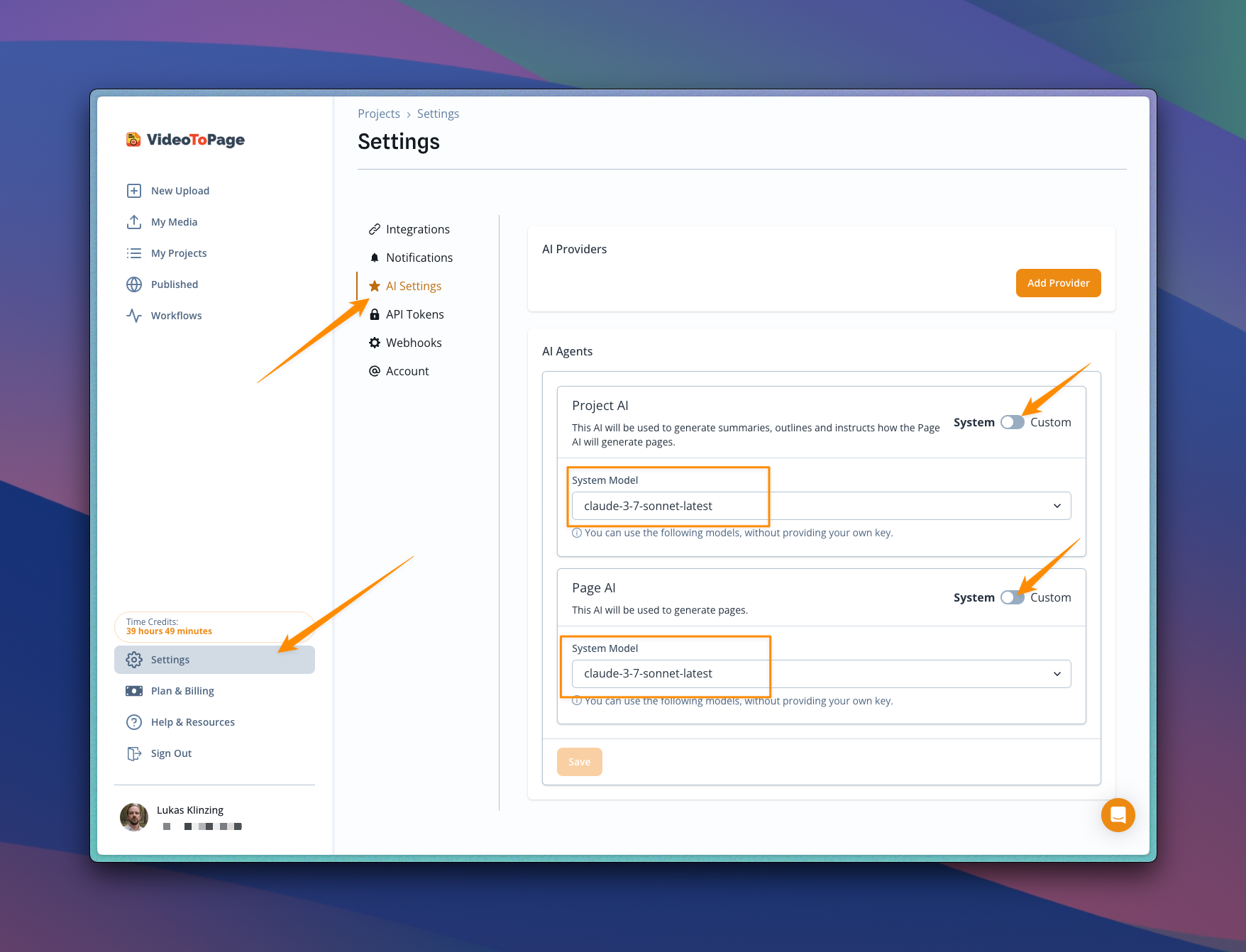
When you go to the settings page and navigate to the AI settings, there are two ways to globally configure the project AI and the page AI.
First, you can bring your own key: BYOK. You can use the system models. When you use your own keys, you will be charged in your own account for the tokens you used. But you will also be charged in VideoToPage for the transcription that is used.
Changing System AI Settings
To change the system AI settings for generating project chapters and all content, go to the settings, then the AI tab, and make sure that under the section 'AI agent', both 'Project AI' and 'Page AI' toggles are set to 'System'. Then you can choose in the system model between 'OpenAI' for all Claude 3.7, Claude 3.5, Sonnet, Gemini 2.0, and Gemini 1.5. This setting is only available for paid customers.